Every feature, in depth.
Tockwell is small but it's not shallow. Here's everything it does — sourced verbatim from the product notes.
World clock and cities
Tockwell's Clock tab is a full-screen hero clock — not a list. Swipe between your saved cities; the time scales to your device (it looks great on a 16e and on a 13-inch iPad Pro).
- 197 curated cities spanning the globe, ordered west-to-east, with strong US coverage plus Canada, the EU, the UK, Asia, Australia, New Zealand, the Middle East, and more.
- Full IANA fallback in search — every time zone Apple's system knows about (~600) is findable. Search by city name, country, or zone identifier.
- Custom City — give the city your own name and pick any IANA zone. Examples: "Mom's Cabin" / America/Denver, or "Lake House" / Europe/Helsinki.
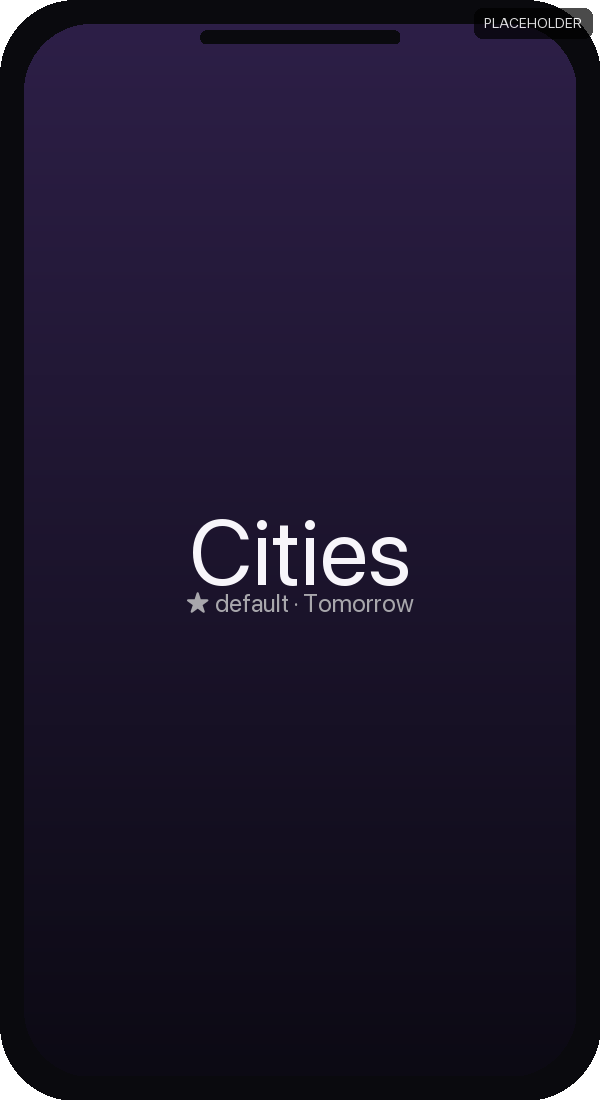
- Day offset indicator — "Tomorrow" or "Yesterday" caption when the city's calendar day differs from your own. Useful for global teams and travelers.
- GMT chip on every city row.
- Sun / moon glyph that flips with the local day/night at each city.
- Reorder, rename, delete via swipe or touch and hold; or tap Edit for the classic minus-circle delete and drag-to-reorder.
- Default city (★) — set one city as the default. New widget placements use it automatically.
Widgets — four styles, every size that matters
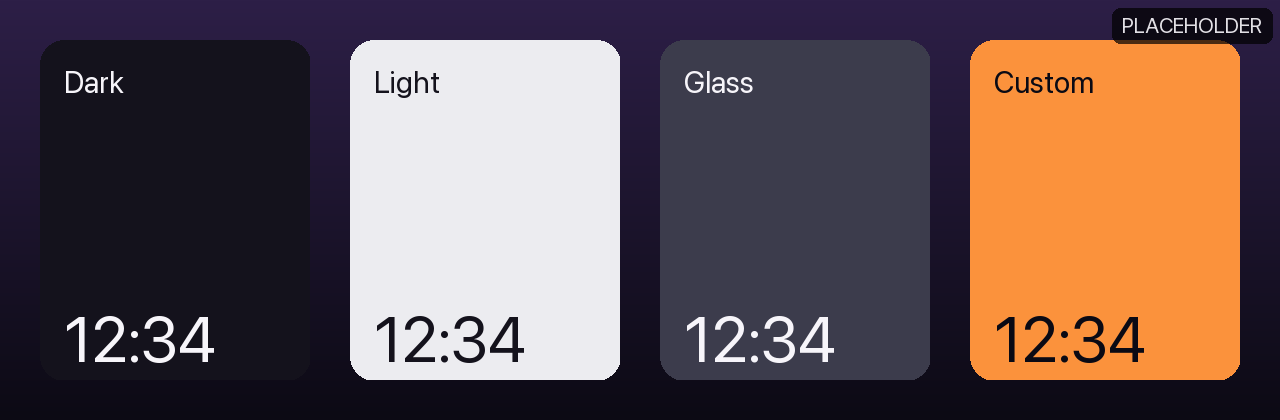
Tockwell ships four widget kinds, each addable directly from the iOS widget gallery:
- Dark — the original. Time, date, city on a dark background. Also offers the Lock Screen sizes.
- Light — same content on a clean light background.
- Glass — a removable container background that the iOS 26 Clear/Tinted Home Screen replaces with wallpaper-derived glass.
- Custom — renders your chosen colors. Stays your colors even in iOS 26 Clear/Tinted mode.
Each widget supports Small, Medium (wide single-city, with a large hero time), and Large (multi-city list, up to six cities) families. The Dark widget additionally supports the three Lock Screen accessory families — Rectangular, Circular, and Inline.
Touch and hold a placed widget to Edit Widget — swap the city it shows, or toggle the date. You can mix sizes and cities across your Home Screen.
Themes and fonts
Seven built-in themes, contrast-checked, grouped by appearance:
- Light: Classic, Paper, High Contrast.
- Dark: Midnight, Mono, Neon.
- Plus the Custom palette you can define yourself.
Four fonts, each with monospaced digits so the time doesn't jitter as digits change: Rounded (default), Mono, Serif, System. Pick a separate theme for Light and Dark appearance, then choose Automatic / Light / Dark for the whole app.
Alarms — built on AlarmKit (iOS 26)
Tockwell's alarms use Apple's AlarmKit framework directly. They ring through silent mode and Focus with a full-screen alert and audio — no background-audio hacks, no "Critical Alerts" entitlement required. They survive app force-quits and device restarts (scheduled at the system level).
On top of AlarmKit, Tockwell adds:
- Per-alarm snooze length — 1 to 9 minutes (Apple's Clock is fixed at 9).
- Max snoozes per alarm — 1, 2, or 3.
- Repeat schedule chips for Mon–Sun with friendly summaries ("Every day", "Weekdays", "Weekends", "Mon, Wed").
- 15 built-in tones, each previewable in-app.
- Next-Alarm row at the top of the Alarms list, with a live countdown ("in 7h 12m").
- Permission handling that never silently fails — if alarms are turned off in iOS Settings, Tockwell shows a clear alert with an "Open Settings" button.
Nightstand mode
Tap the moon icon on the Clock tab to enter Nightstand. A full-screen, glanceable clock that stays awake.
- Dim — the bedside default. Screen brightness drops to a soft level; content is gentle on the eyes. Tockwell remembers your original brightness and restores it on exit.
- Bright — a high-brightness, high-contrast desk/room clock.
- Warm tint — optional amber palette, friendlier for very dark rooms or evening use.
- Tap to hide controls — the controls fade away so it's just the time.
- StandBy-friendly — works naturally when your iPhone is charging on its side.
Onboarding
First-launch onboarding is three short cards and ends with the most important moment for a Home-Screen clock app: actually adding a widget. Skip is available at every step.
Settings that are sensible by default
- Dark by default.
- Per-mode theme slots — pick one theme for Light, another for Dark, and let the system decide.
- Date display — Hidden, Short ("May 21"), Medium ("Wed, May 21"), or Full.
- Hour style — System, 12-hour, 24-hour.
- Show seconds in-app (widgets stay minute-resolution by design).
- Keep Clock Awake while you're on the Clock tab.
Ready when you are.
Runs on iOS 18 and later. Simple, private, and ready for your Home Screen, Lock Screen, and StandBy.
In review — launching soon